Hello Gamer
In almost all traditional programming introductory courses, the first lesson teaches you how to type print("Hello World") on your keyboard in a boring black box. Honestly, it's incredibly dull, and you'll want to take a nap after a few minutes.
In this lesson, we want to demonstrate the true "dimensional strike" of Vibe Coding. Without writing a single line of code, we will directly create an interactive game with gravity-enabled, color-changing, bouncing balls that fill the screen.
Interactive Practice A: Issue the Ultimate "Starter Incantation"
In the folder where you cast your .venv barrier in the previous lesson, awaken your Agent (Composer mode).
Don't think about the underlying principles; directly copy and throw this shocking "Architect Command" to it. This is a real test of productivity:
Agent, let's write an interactive program now! Please help me install the `pygame` library.
After installation, create a new `game.py`.
Please write a cool bouncing ball program for me using pure Python.
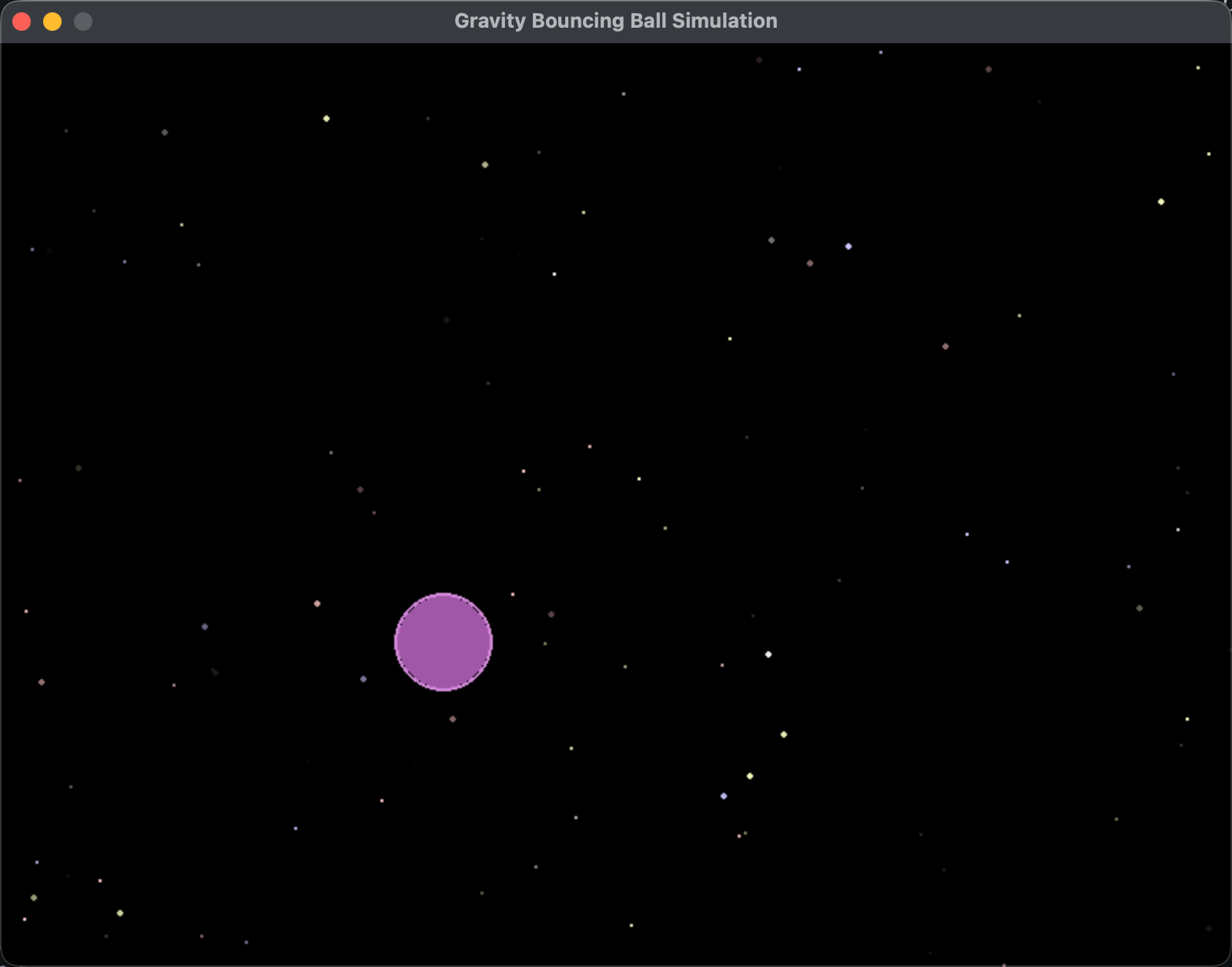
Requirements: a dark, sci-fi starry sky background. The ball must have real physical gravity, bounce when it hits the edges, and its color should randomly change each time it bounces.
When you're done, please tell me how to run it.
Hit Enter and watch the Agent run wild. It will research how to introduce complex physical formulas, how to set the canvas color, and how to capture edge collisions itself. Things that traditional beginners might need to study fifty hours to write, the Agent will build for you in 30 seconds.
Core Mechanism: Master "Reporting Errors" (The Soul of Vibe)
In this unpredictable era of AI, there is a very low probability that code will run perfectly the first time (sometimes due to system differences, missing dependencies, or red error codes being thrown).
When traditional programmers see red error text, their first reaction is panic, followed by painfully digging for answers on Google (Stack Overflow).
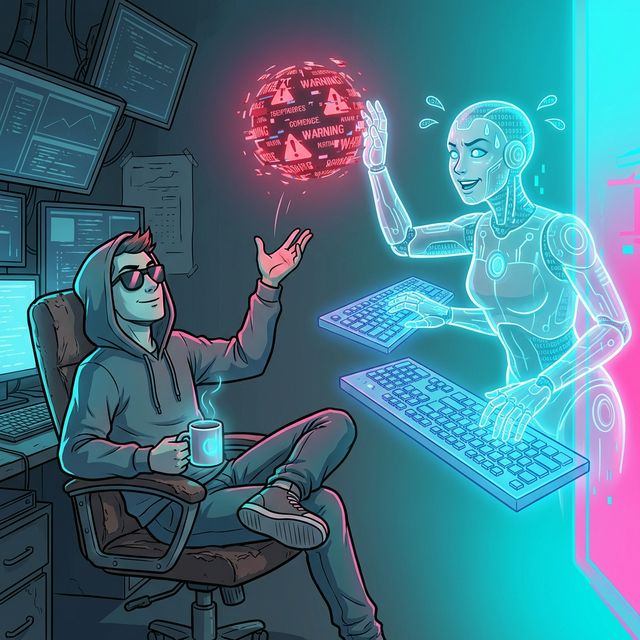
But when a Vibe Coder sees an error, they only do one thing—they learn to confidently "Report it" back!
No matter how long or unintelligible that pile of red error code is, just select all of it and copy it directly.
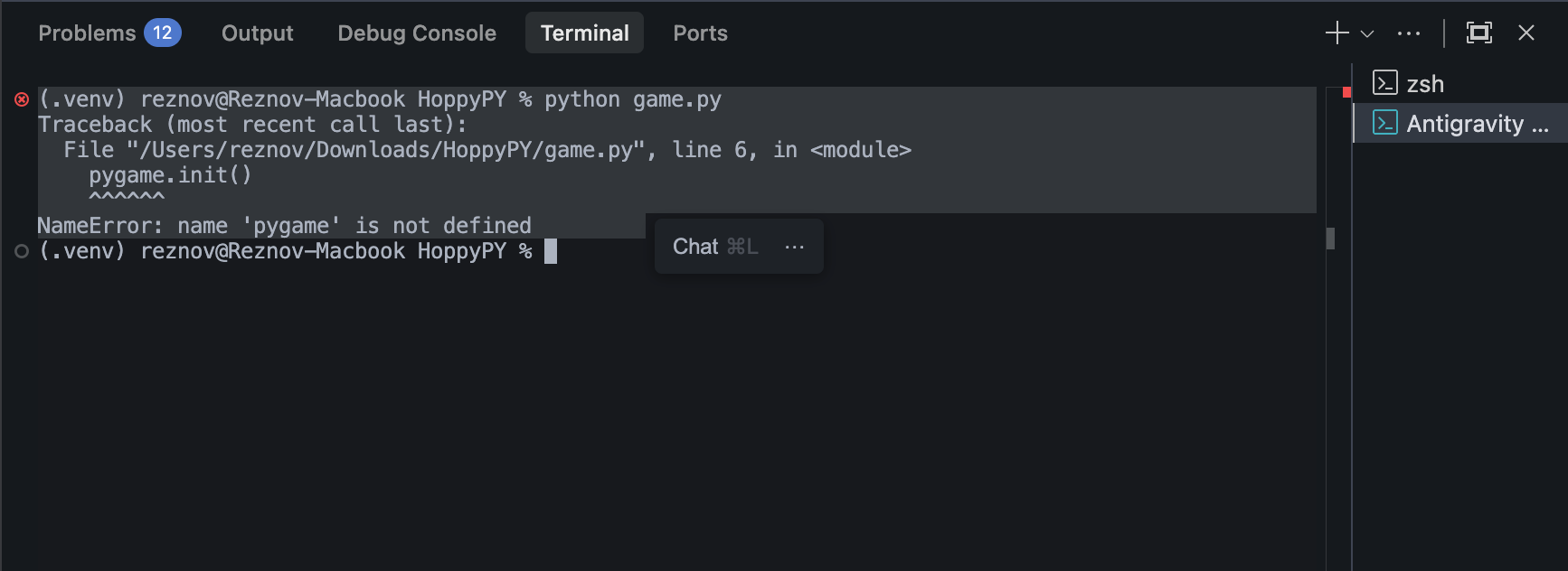
Go back to the AI chat box and say to it: "I ran it just now, but it threw an error. The content is as follows: [paste your entire error message]"
Then append this sentence: "Please analyze the reason, and directly fix and overwrite the code."
Then, you can sit back with peace of mind and watch this tireless digital laborer admit its mistake at lightspeed and automatically fix the code for you. In this loop, you are not debugging; you are doing Code Review.
Interactive Practice B: The God-Like "One-Sentence Modification"
When the code successfully runs, you should see a bouncing, color-changing ball with gravity on your screen.
That's already pretty cool, right? But we want you to experience what the "Architect's power" really means. Normally, to change one ball into "clicking the mouse generates countless balls" in this program, you would need to completely refactor the arrays and looping mechanics (which is extremely complex).
Now, close the game window. Go back to the Agent, don't touch the code, and just send this one sentence:
The effect is fantastic! But I feel like just one ball is too monotonous.
Please change it for me: every time I left-click the mouse, a new independent bouncing ball will be generated at the position I clicked on the screen. They should all have independent gravity and bounce-color-changing effects.
No need to explain too many underlying principles, just fix it directly.
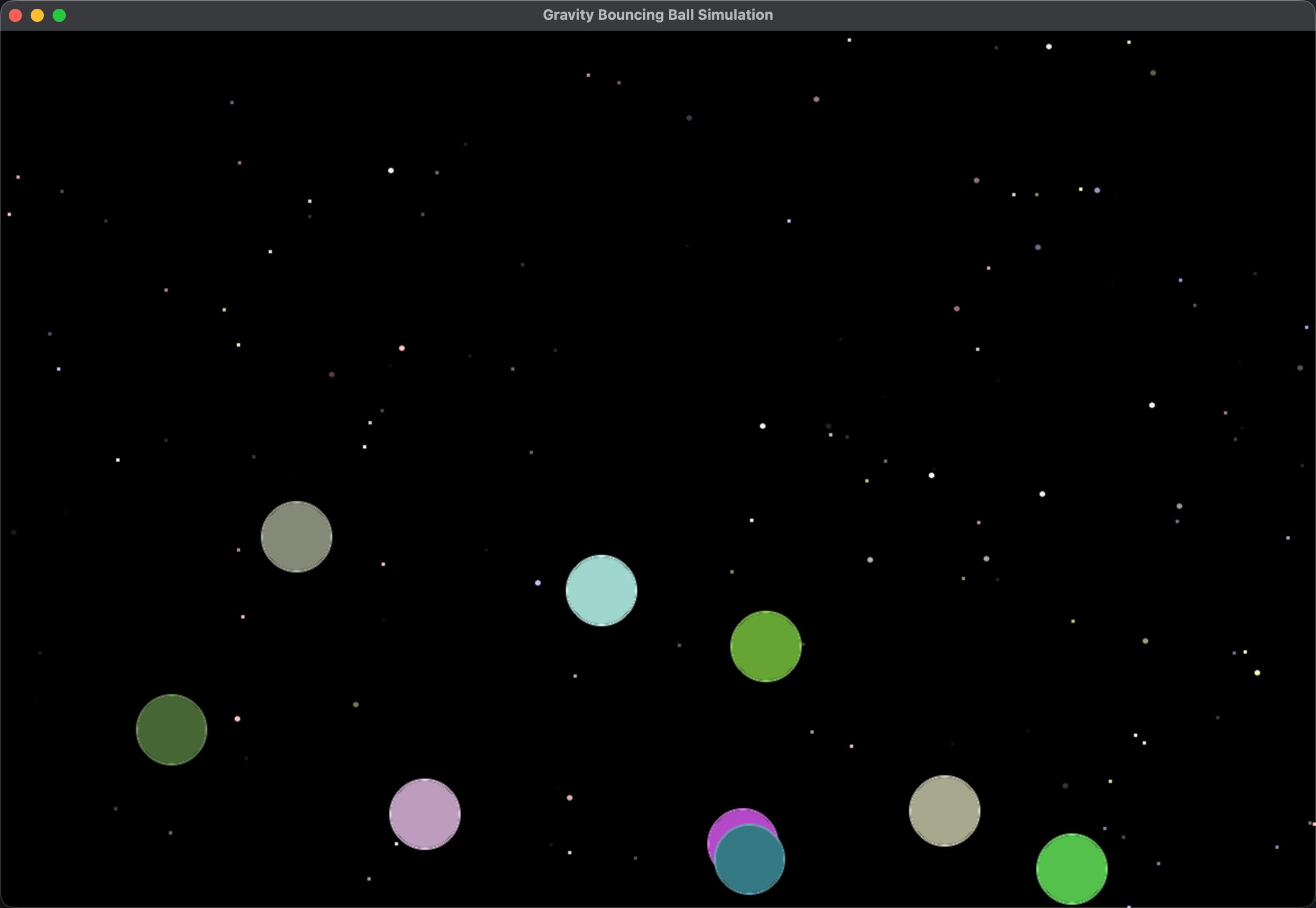
Wait a few dozen seconds and run it again. Click your mouse like crazy! Watch the screen fill with a chaotic storm of bouncing colored balls. This is your Vibe Magic!
Lesson Summary: The Cycle of Magic
Through this lesson, you didn't just get a stress-relief game; more importantly, you mastered the "Golden Workflow Cycle" that Vibe Coders repeat every day:
1. State requirements in natural language -> 2. AI writes code -> 3. Run and try -> 4. If there's an error, copy all and throw it back to the AI to "report" and fix -> 5. Propose new requirements to iterate.
As long as you master this cycle, you can create anything using words. The most amazing part is that from start to finish, you didn't write a single line of Python syntax.
In the next lesson, we will finally step out of the game console and use Vibe Coding to tackle complex work in the real world. Are you ready for the challenge?
By clicking this, you confirm you have completed the Vibe Coding mission in your local IDE.