The Environment
Congratulations! In the previous lesson, you successfully awakened your Agent assistant and claimed your "magic wand." But magic shouldn't be cast just anywhere.
Before starting to build your software empire, you need an absolutely safe testing ground, free from outside interference. In the world of Vibe Coding, this is known as "casting the barrier."
Why Cast a Barrier?
In the traditional programming era, "configuring the development environment" was the first gate to hell that scared off 90% of beginners.
Your computer's operating system (whether Mac or Windows) has its own underlying dependent environments. If you install various development tools and open-source packages directly onto your computer's bare metal, it's like forcing plugs from completely different countries into the exact same power strip. Sooner or later, it will trigger an "environment conflict," completely crashing your system tools.
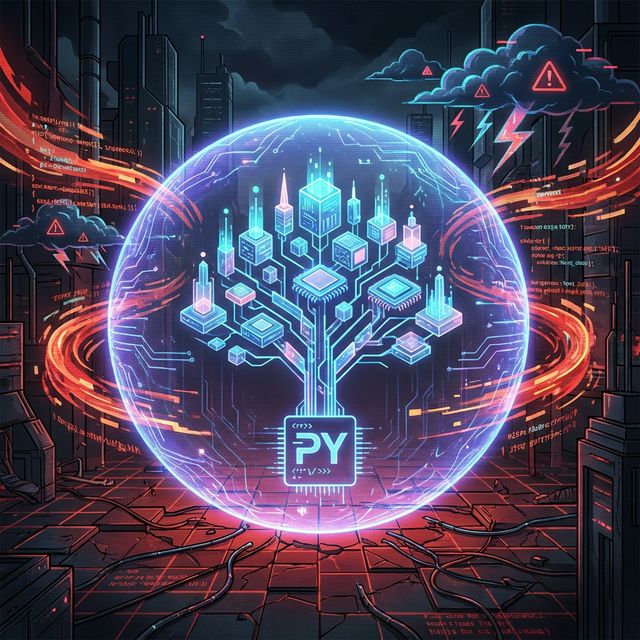
To solve this problem, programmers invented the Virtual Environment (usually abbreviated as .venv).
You can think of .venv as a completely isolated "transparent glass room". Inside this barrier, no matter how much you mess around or how many random libraries you install, if something breaks, you simply delete the .venv folder and the world is instantly clean again. It will never pollute your computer's real system.
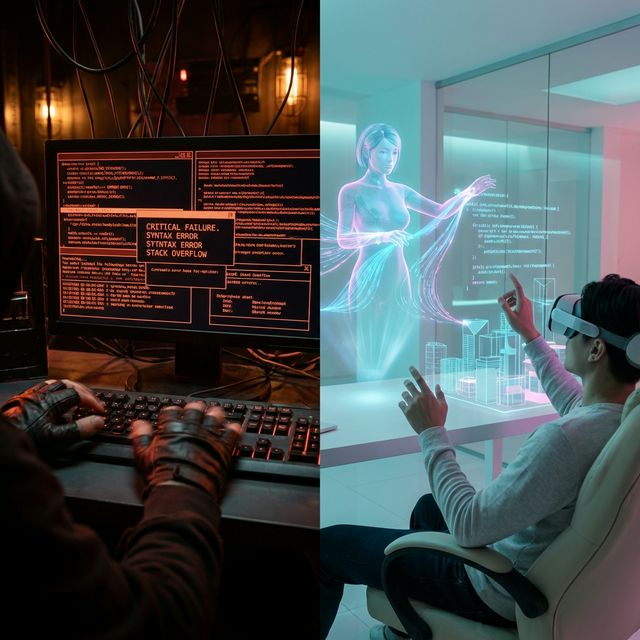
"Laborer" Mindset vs. "Architect" Mindset
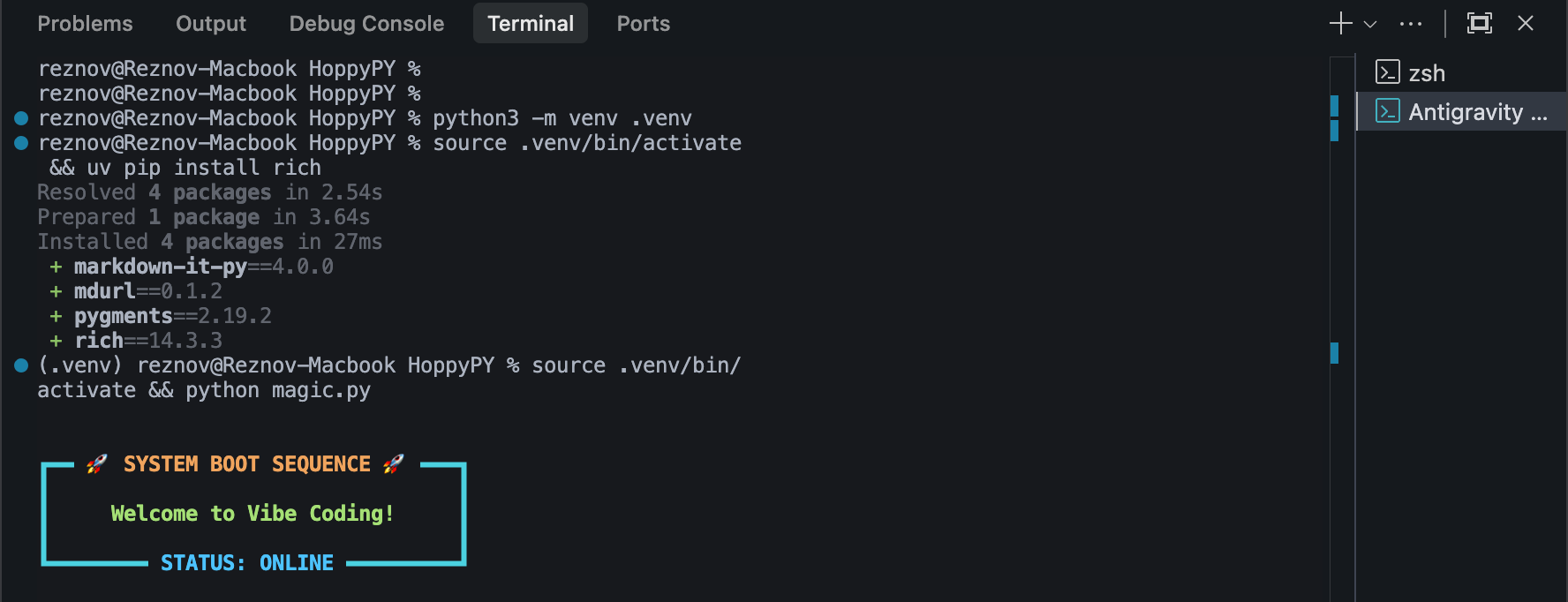
python3 -m venv .venv
source .venv/bin/activate
But from the omniscient perspective of Vibe Coding, you are no longer a construction worker typing code at the bottom. You are the Architect orchestrating the big picture. When encountering tedious tasks like configuring environments, your only rule is: use your mouth, not your hands. Throw it all to the Agent.
The Agent knows the directory structure best only if it sets up the environment itself. By letting it do the setup, it will never encounter low-level "dependency not found" errors when writing code later.
Interactive Practice A: One-Click Barrier Construction
Now, please open your Antigravity or Trae, and make sure you have opened a completely blank new folder. Call up your think tank on the right (switch to Agent or Composer takeover mode), copy this Architect command below, and throw it to the agent:
Agent, this is a clean, brand new project.
Please help me create a standard Python virtual environment here, named `.venv`.
After creation, please ensure that the Python interpreter currently used by the IDE has been switched to this virtual environment.
Please execute all of this automatically in the terminal, and give me a brief report when finished.
Hit Enter, take your hands off the keyboard, and watch it perform.
Within seconds, you will find a folder named .venv miraculously appearing in the file cabinet on the left. Your first absolute defense barrier is complete!
Interactive Practice B: Procuring the First Batch of Magical Materials (Packages)
The barrier is built, and now we need to start placing furniture inside. In development terminology, excellent code written by others that can be used directly is called Third-Party Libraries (Packages).
To celebrate the completion of the barrier, we will procure an extremely cool third-party library—rich. It can transform originally dull black-and-white terminal text into artwork with geeky frames and colorful lighting effects.
Previously, you had to look up the installation command and calling syntax for rich yourself. But now, please issue your second incantation directly to the Agent:
The barrier is set! Now, please ensure we are under the activated `.venv` environment, and help me install the third-party library `rich`.
After successful installation, please create a new file named `magic.py` on the left.
Please use the `rich` library to write a piece of code. In this code, you need to print out a colorful "Welcome to Vibe Coding!" with a cool geeky border in the terminal.
After writing it, please run `magic.py` directly in the terminal to show me the effect.
Time to witness a miracle:
You will see the terminal automatically light up with a progress bar starting to install the rich library; then the code area in the middle will automatically generate code you probably won't understand; finally, the terminal area at the bottom will pop up a brilliantly colorful welcome banner!
The Vibe Ironclad Rule: The Ultimate Mindset for Environment Configuration
From now on, no matter what environment you need to install or what library you need to download, never go to a search engine to look up commands or manually type on the keyboard. Your first reaction must always be: Awaken the Agent, throw the requirement to it, and let it mess with the terminal itself.
The barrier is established, and the materials are ready. In the next lesson, we will plant your first real piece of business code in this safe greenhouse to solve a practical problem in life!
By clicking this, you confirm you have completed the Vibe Coding mission in your local IDE.